Zong MBB Device Packages Subscription and Management Guide

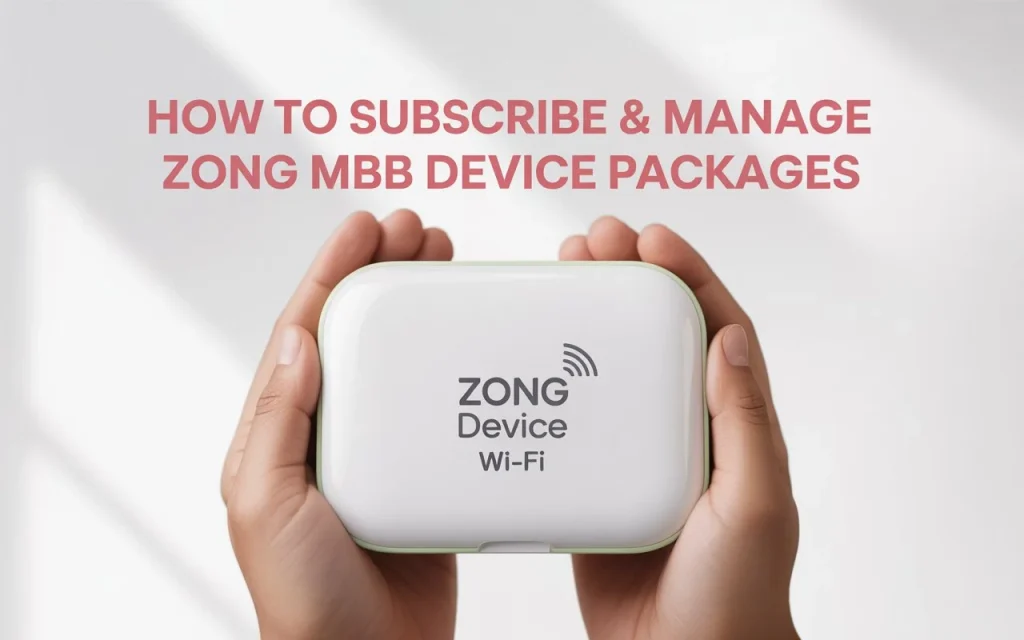
Learn how to subscribe, recharge, check data usage, manage add-ons, and resolve common issues with your Zong 4G Wi-Fi device (MBB device).
All tools and methods are applicable across major cities, including Islamabad, Lahore, Karachi, Peshawar, and Quetta. This guide helps every user, from students to professionals, easily control their device plan.
How to Subscribe Zong MBB Bundles in Pakistan
You can choose these methods depending on your setup:
Via Master Number (USSD)
- From your linked Zong Master Number, dial *6767#.
- Select “Subscribe Bundles”, choose the package, enter the MBB Number, and activate it.
- You’ll need enough balance in the MBB number.
Via MBB Device Portal (192.168.8.1)
Connect the device to Wi-Fi or insert it into a computer. Visit 192.168.8.1, login as admin/admin.
You’ll see bundle options on the main screen.
Tap the one you want. For more options, enter *6363# in the portal.
Bundle activates instantly, as long as you have enough balance.
Via My Zong App
Install the My Zong App on Android or iOS.
Register your MBB device by entering its number and confirmation PIN (find it under the SMS tab on the portal).
Open the app → go to MBB → choose bundle → tap Subscribe Now.
Through Zong Franchise or Service Center
Visit a nearby Zong center or retailer. Provide your MBB number and bundle choice. They’ll activate it for you.
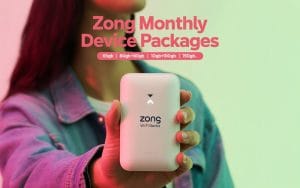
You can also check: ZONG Monthly MBB Device Packages Price with Activation Details
Ways to Recharge Your MBB Device
Master Number (USSD)
Dial *6767# → Choose “Recharge MBB Number” → follow prompts.
MBB Portal Recharge
Connect and visit 192.168.8.1.
Enter voucher code like *101*<15-digit code># to recharge.
My Zong App or Online Recharge Site
Use digital channels like an app, debit/credit card, or Zong’s online recharge portal.
Third-Party Apps / Agents
Pay via Easypaisa, OneLoad, FonePay, or your bank’s app. Then subscribe to bundles in My Zong App or portal.
How Bundle Renewal and Validity Work
- Most bundles automatically renew if your MBB account has a balance.
- For long-term plans (3, 6, 12 months), you pay upfront and get a fixed data allocation.
- If a new bundle starts before the current one ends, the previous data may get replaced.
- After expiry, you enter a grace period where only top-ups may work.
Check Remaining Data and Balance
- Master Number: Dial *6767# → choose “Usage of MBB #” or “Balance of MBB #”. You’ll get details via SMS.
- MBB Device Portal: Visit 192.168.8.1, go to Check Data Usage under Zong Services tab.
- MBB SIM in Mobile: Insert the SIM into a phone and dial *102# or *222# for balance and data.
What are the Add-Ons for Extra Data in ZONG?
You can buy small add-on bundles if your data runs low.
Activate them using My Zong App, the portal interface, or USSD code *6363# via MBB Number—or through your Master Number with *6767#.
Common Issues and Quick Fixes
- Device not connecting or login issues: Restart and connect again. Login portal is admin/admin.
- SIM not detected: Reinsert the SIM. If it still fails, visit a Zong center.
- Forget Wi-Fi password: Open the portal, go to settings to reset Wi-Fi password.
- Poor signal: Put the device near a window or a high place for better 4G reception.
What You Can Do with Your ZONG Master Number?
Your Master Number lets you check data, recharge, activate bundles, and even receive usage alerts via SMS.
It links your primary mobile number to your MBB device for seamless control.